
NSman let’s talk about your yearly IPPT. You know it is important for your fitness, NS duty, and that extra incentive. Want to book IPPT without the hassle? Doing it online is the easiest way. This guide is for every NSman if first timer or pro. I’ll show you how to book IPPT quick so you can focus on training, not admin. Ready? Let’s get it done.
IPPT Booking Checklist
Hey, before you book, let’s do a quick run-through together. Got your list ready.
- SingPass: You’ve got your login and that 2FA code thing handy, right?
- NS Portal: Can you actually get into the portal smoothly? Maybe just try a quick login now.
- Your Status: Are you sure you’re still an active NSman and your yearly IPPT window is open?
- Papers: Last thing – NRIC nearby? Any medical memo you might need?
Step-by-Step Ippt Booking Process
Step 1: Log In & See What You Need
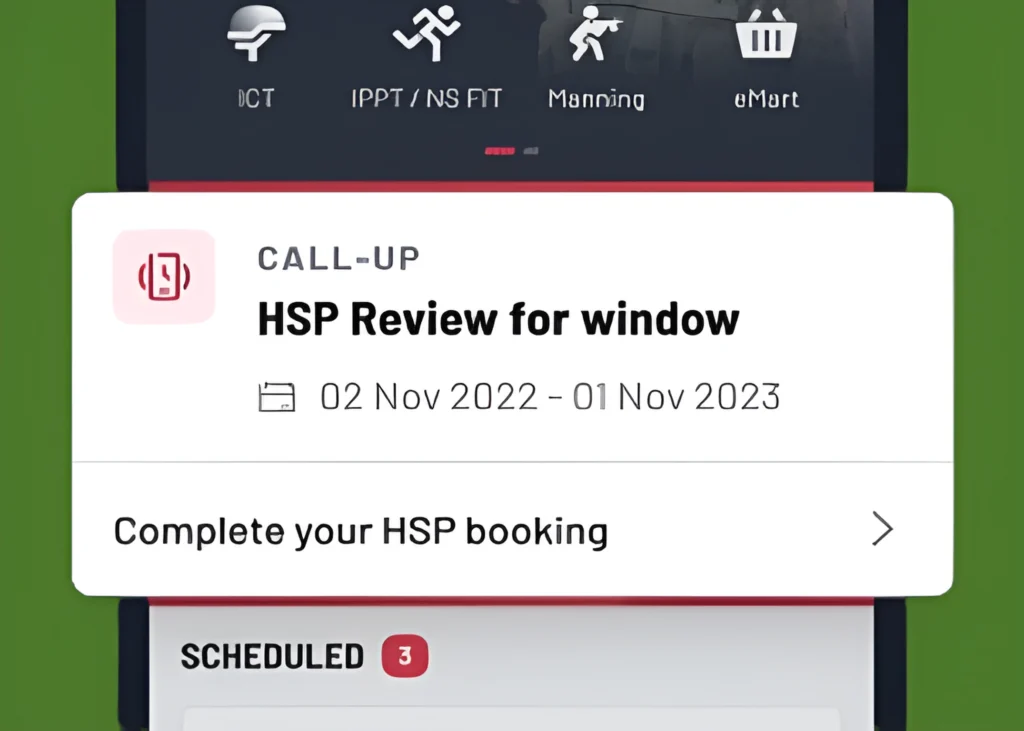
First thing, log into OneNS with your SingPass. Now, here’s something to note: if the system sees you’re 35 or older, it’s going to ask you to book your HSP, not just the regular IPPT. That’s the Health Screening plus your fitness test, all in one. So if HSP pops up, you are on the right track just go with it.
Step 2: Choose the Correct Option
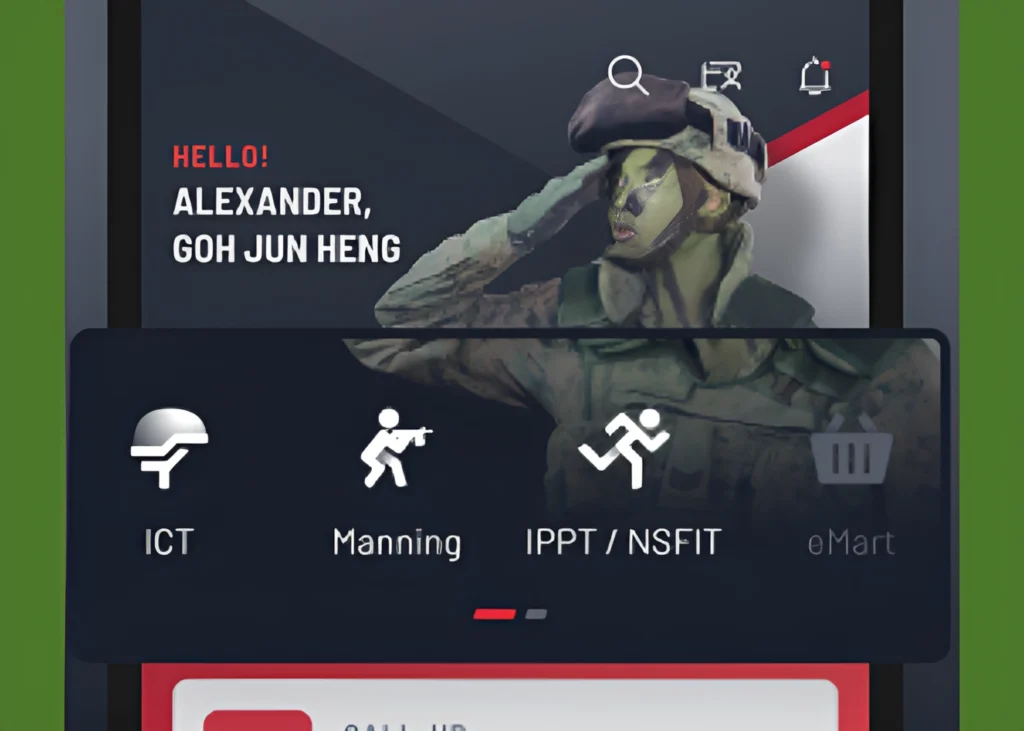
Once you’re logged in, look at the main menu or homepage. You’ll see different options there. Find and click on the one that says ‘IPPT / NS FIT’. This is the main section for all fitness test bookings. Don’t overthink it, just select it to move to the next screen where you can pick your date and location.
Step 3: Pick Your Date
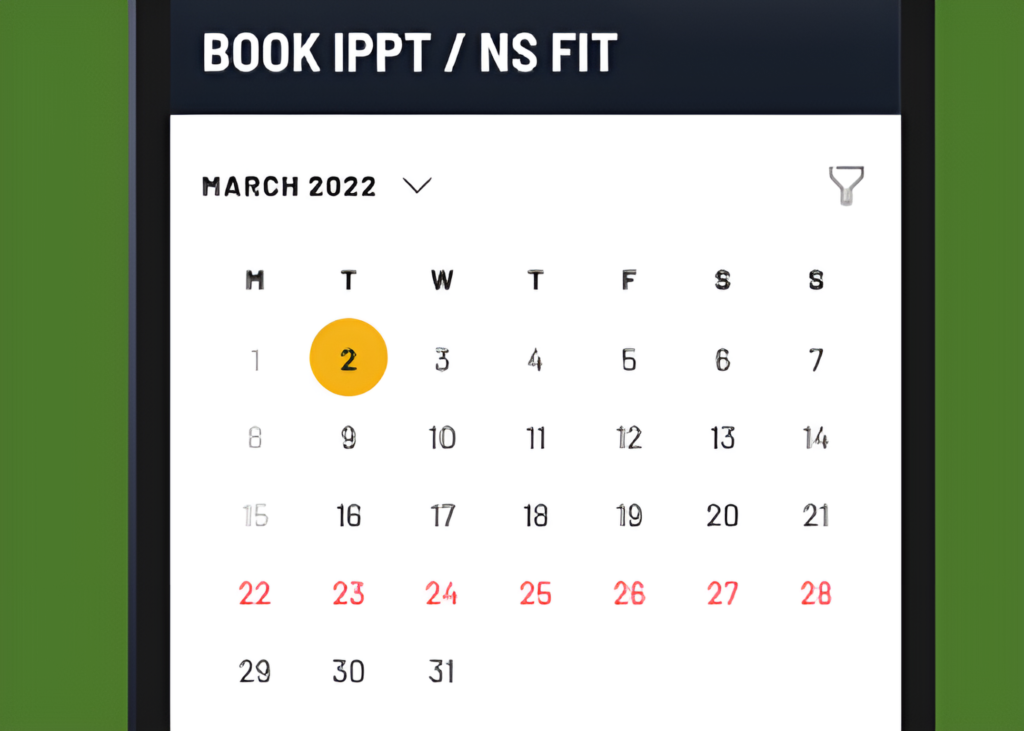
Now the fun part is choosing your day! You’ll see a calendar view. Just click on your preferred date for the test. I have a Pro tip for you: If your first choice is full, don’t stress. Try a few days before or after you’ll usually find a good slot. Once you click an available date, the system will show you the time slots you can pick from.
Step 4: Filter & Find Your Spot
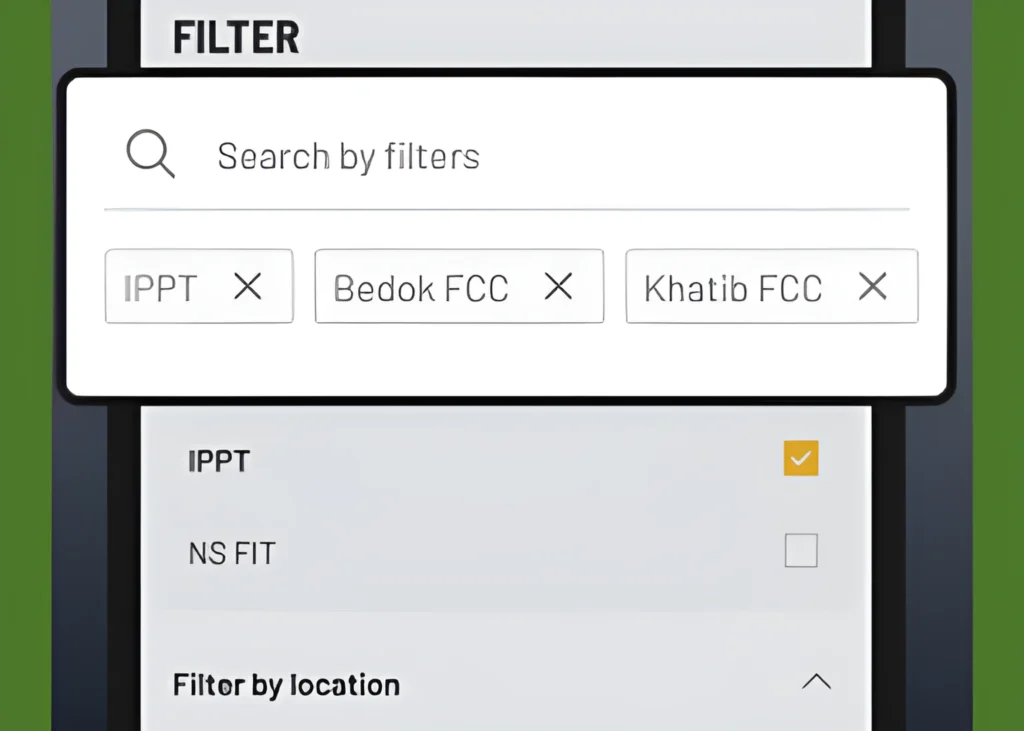
you’ve picked a nice date! Now, let’s fine-tune it. See those dropdown menus or filter buttons? You can use them to narrow things down by programmes and locations. Maybe you want a certain fitness programme, or a centre closer to home. Just tick what suits you, and the list will refresh with slots that match. Makes it way easier to pick your perfect slot, trust me.
Step 5: See Your Slot Options
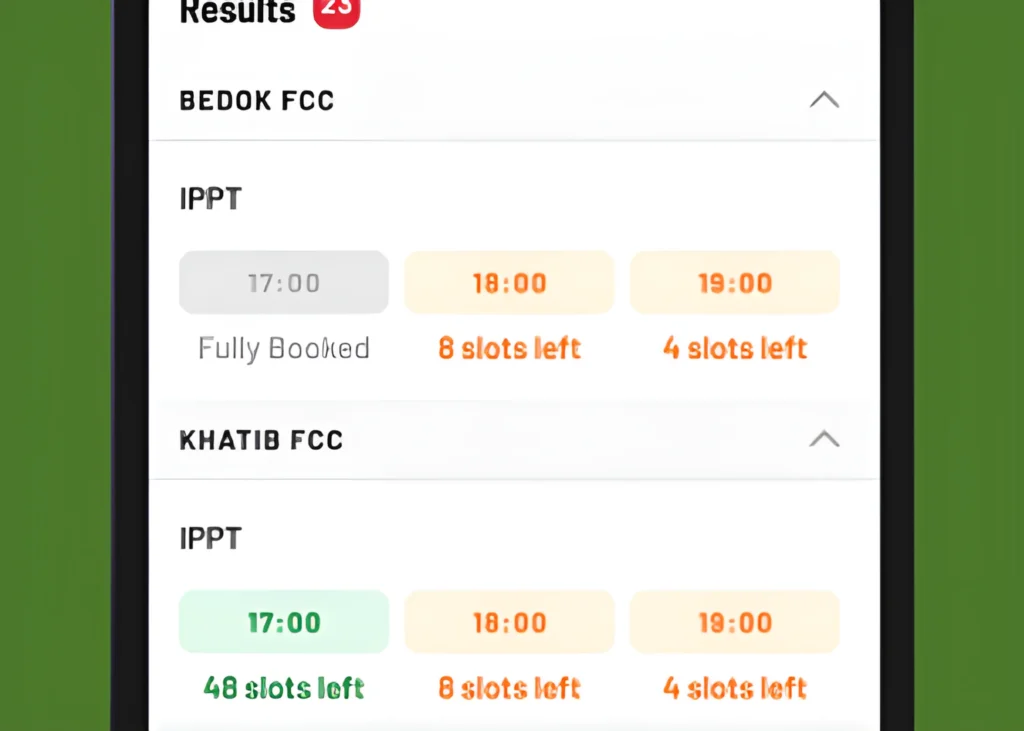
Great! Now that you’ve set your filters, just look at the screen. You’ll see a neat list of all the timeslots available for the centres and sessions you picked. Check out the timings to see if a morning slot works for you, or maybe an afternoon one fits your day better. Just choose what feels right.
Step 6: Confirm or Add More
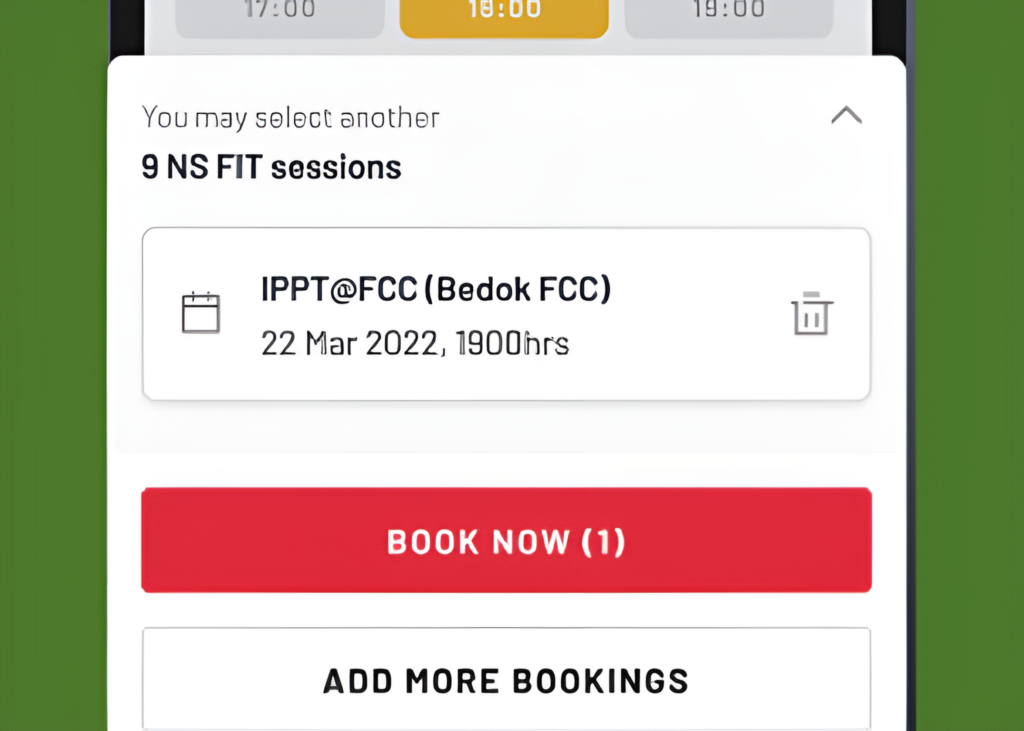
decision time. If you’re ready, just tap ‘Book now’ next to your slot to proceed straight to booking. Or, if you want to also schedule NS FIT sessions like gym time or group training you can choose to add more sessions first before finalising everything.
Choose Your Test Location the Right Way
Choose a Convenient Location
Consider Centre Facilities
Avoid Traffic Delays
Research Reviews
Confirm Test Type Availability
Important Dates You Must Remember
- First of all, know your Annual IPPT window. This is the period each year you are allowed to take the test, so mark it in your calendar.
- If you’re aiming for the monetary award, keep eye on those Incentive deadlines. Submitting after the cutoff usually means you will miss out.
- Remember, slots can fill up fast. Try to meet the booking advance requirements by securing your session early, do not leave it till the last week.
If Something Goes Wrong, Read This
- No slots available Try logging in right when new slots open, often early in the week. If your usual centre is full, check neighbouring ones.
- Sing Pass login issues: Locked out? make sure your 2FA isn’t acting up. If it still doesn’t work, just hit ‘Forgot Password’ or call Sing Pass support. They are usually pretty quick to help.
- Technical errors during booking: Page is not loading or buttons not clicking? Try switching browsers or clearing your cache. If that doesn’t help, sometimes stepping away for 10 minutes and coming back works.
- Contact information for help: Honestly, if nothing else works, just call or email the official NS portal support. Keeping their contact saved on your phone saves a lot of headache later.
Tips for Success
- Booking strategy: Aim to book your slot as soon as your IPPT window opens dates are freshest then. If you can, try for weekday mornings at less popular centers; there is usually more space and shorter wait times.
- Preparation timeline: Follow a simple 4-week plan, build your stamina the first two weeks, focus on test-specific exercises in week three, and take it easy with light workouts the final week before the test.
- Common mistakes to avoid: Two big ones: don’t book your test at a centre you’ve never been to, and never leave booking until the last minute. Also, avoid a heavy meal right before your session!”
- Resources for training help: Check out the official NS FIT app for guided workouts, or join a neighbourhood NSmen fitness group. Sometimes training with others keeps you on track.
Complete IPPT Resource Hub
- IPPT Training Planner – Personalized workouts based on your fitness level.
- IPPT Calculator NS – Instantly check your IPPT score for NS men.
- IPPT Calculator Female – Instantly check your IPPT score for females.
- IPPT Calculator – Instantly check your score.
- IPPT Scoring Explained – Learn how the scoring system works.
A Note From Our Research Team
We are the IPPT Research Team.
We simplify processes like IPPT booking to help NSmen manage their fitness obligations efficiently and confidently.
Book smart, prepare well
IPPT Booking FAQs

I’m a former NSF who struggled to find a reliable IPPT score calculator before my own test. Most tools online had outdated scoring tables or were confusing to use on mobile. So I built this one using official SAF scoring charts and made it completely free for every NSman and NSF in Singapore.